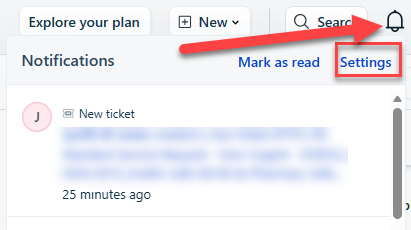
On the top right corner, click on the bell icon
Choose Settings.
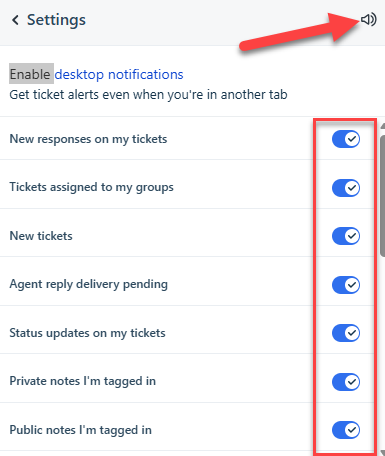
Click on the sound icon to make sure it's enabled
Check all the boxes for notifications you want
Click on Enable desktop notifications
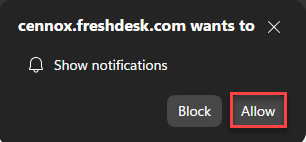
You will get a pop up in your web browser choose Allow 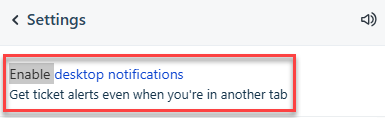
Was this article helpful?
That’s Great!
Thank you for your feedback
Sorry! We couldn't be helpful
Thank you for your feedback
Feedback sent
We appreciate your effort and will try to fix the article